ReactTypeScriptAtlaskitJestEmotion
Modernizing the Issue Navigator
Frontend Engineer
the impact
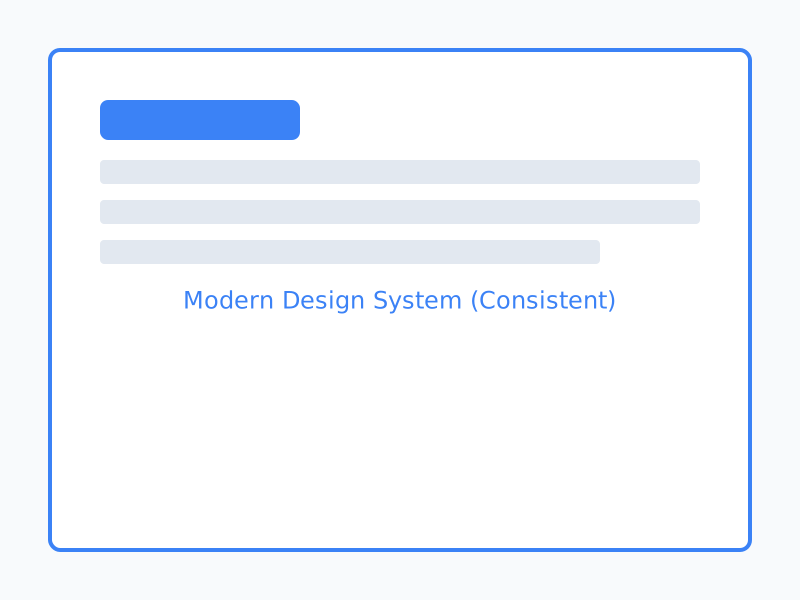
AFTER
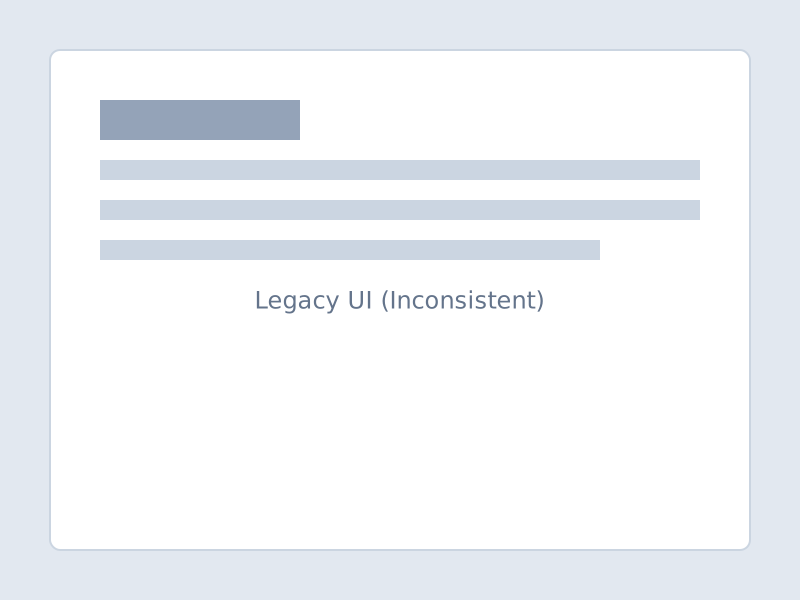
BEFORE
drag slider to compare before/after
key outcomes
-25%
Bundle Size
100
A11y Score
45+
Components
The Context
The "Issue Navigator" is the heart of Jira, it's where millions of users search, filter, and triage their work every day. However, parts of the codebase were over a decade old. We were dealing with untyped legacy class components, erratic inline styles that fought against our new Design System, and a Redux store so complex that onboarding a new engineer took weeks.
More critically, the old implementation had significant accessibility gaps. Keyboard navigation was flaky, and screen reader support was non-existent in complex filter menus.
The Strategy
We couldn't just rewrite the whole thing from scratch, it was too big and too critical. I adopted a component-by-component migration strategy (The Strangler Fig Pattern applied to UI).
I started with the leaf nodes (buttons, dropdowns, and badges) replacing custom implementations with our standardized "Atlaskit" Design System components. This gave us immediate visual wins and consistent accessibility behaviors out of the box.
Technical Details
1. **State Management**: The legacy Redux store was causing massive re-renders. I refactored the data-fetching layer to use React Query. This allowed us to cache filter results aggressively and implement optimistic UI updates, making the search feel instant.
2. **Styling engine**: We moved from a mix of LESS and inline styles to Emotion (CSS-in-JS). This ensured our styles were scoped, type-safe, and capable of dynamic theming (Dark Mode support was a free bonus).
3. **Testing**: The legacy tests were brittle snapshots. I rewrote the test suite using React Testing Library, focusing on user-centric integration tests ("Can the user select a filter?") rather than implementation details.
The Result
After 6 months of incremental delivery, we shipped the fully modernized experience. The bundle size dropped by 25% (dead code elimination), our Lighthouse accessibility score hit 100, and developer velocity on the team skyrocketed because the code was finally predictable and typed.
Technical Hurdles
- ▹Maintaining feature parity while refactoring
- ▹Ensuring WCAG 2.1 AA compliance for screen readers
- ▹Migrating complex state from Redux to Context/Hooks